Milestone 03: Link CSS and JavaScript
Connect style.css and app.js to the page.
7% complete
🎯 Goal
Complete this milestone so the KBC HTML/JavaScript project moves one step closer to the final working app.
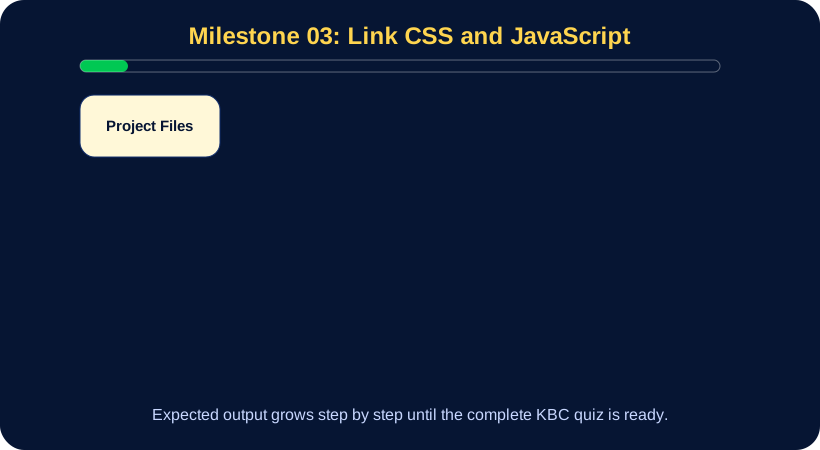
🖼 Expected Output SVG
This diagram defines what the project output should include at this milestone.
🔨 Fully Defined Task
What to build
- Link style.css using a link tag in head.
- Link app.js using script tag before closing body.
- Add console.log('KBC app started') in app.js.
- Add body background color in style.css.
- Refresh browser and check console.
Acceptance Criteria
- CSS affects page.
- Console message appears.
- No 404 errors in browser console.
Submit to Teacher
- Screenshot of styled page.
- Screenshot or note of console message.
📄 Files and Code Snapshot
Open the complete code up to this milestone:
💻 Code Up To This Point
View milestone 03 code
<!doctype html>
<html lang="en">
<head>
  <meta charset="utf-8">
  <meta name="viewport" content="width=device-width, initial-scale=1">
  <title>KBC Quiz</title>
  <link rel="stylesheet" href="style.css">
</head>
<body>
  <h1>KBC Quiz</h1>
  <script src="app.js"></script>
</body>
</html>
style.css
body{font-family:Arial;background:#061533;color:white;margin:0}.app{max-width:1100px;margin:auto;padding:24px}button{cursor:pointer}app.js
console.log('KBC app started');▶ Run This Milestone
Open milestone-code/milestone-03/index.html in your browser.
For best results use VS Code Live Server.
🐞 Debugging Challenge
If this milestone does not work:
1. Check that the correct milestone-code folder is open.
2. Check browser console.
3. Check JSON commas and quotes.
4. Compare with the SVG diagram.
5. Compare with the code snapshot.
🌐 GitHub Commit
git add .
git commit -m "Phase 2 milestone 03: Link CSS and JavaScript"
git push