Milestone 16: Lock Answer
Prevent changing the answer after selection.
40% complete
🎯 Goal
Complete this milestone so the KBC HTML/JavaScript project moves one step closer to the final working app.
🖼 Expected Output SVG
This diagram defines what the project output should include at this milestone.
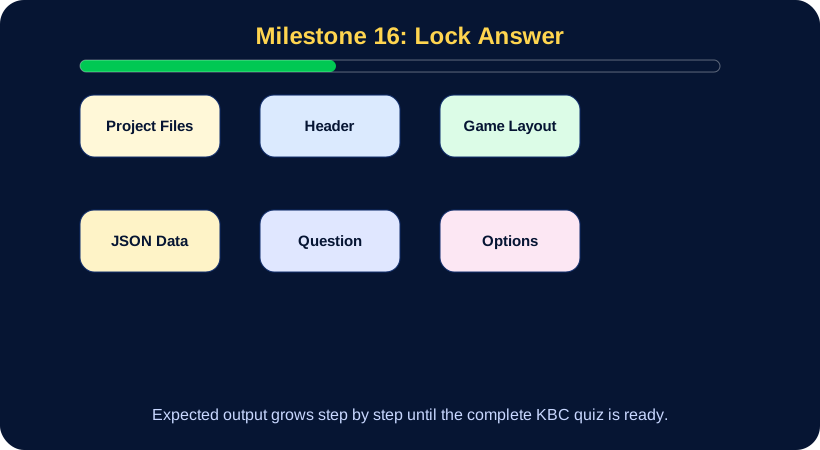
🔨 Fully Defined Task
What to build
- Open the files listed in this milestone.
- Add only the feature described by this milestone.
- Use the SVG output diagram to understand the target result.
- Compare your work with the code-up-to-this-point snapshot.
- Run the project in the browser and fix console errors.
Acceptance Criteria
- The feature works without console errors.
- The output matches the SVG diagram for this milestone.
- The code uses current project state and JSON where applicable.
Submit to Teacher
- Screenshot of the working feature.
- Short explanation of the changed code.
- Git commit message for this milestone.
📄 Files and Code Snapshot
Open the complete code up to this milestone:
💻 Code Up To This Point
View milestone 16 code
<!doctype html>
<html lang="en">
<head>
  <meta charset="utf-8">
  <meta name="viewport" content="width=device-width, initial-scale=1">
  <title>KBC Quiz</title>
  <link rel="stylesheet" href="style.css">
</head>
<body>
  <main class="app">
    <header class="top"><h1>KBC Quiz</h1>
    </header>
    <section class="game">
      <section class="stage">
        <h2 id="question">Question will appear here</h2>
        <div id="options">
        </div>
        <p id="message"></p>
      </section>
    </section>
  </main>
  <script src="app.js"></script>
</body>
</html>
style.css
body{font-family:Arial;background:#061533;color:white;margin:0}.app{max-width:1100px;margin:auto;padding:24px}button{cursor:pointer}\n.top{display:flex;justify-content:space-between;align-items:center}.top h1{color:#ffd54f}\n.game{display:grid;grid-template-columns:260px 1fr;gap:20px}.stage,aside{background:rgba(255,255,255,.1);border-radius:24px;padding:22px;text-align:center}\n.option{display:block;width:100%;margin:12px 0;padding:14px;border-radius:999px;background:#102d6b;color:white;border:1px solid #ffd54f}\n@media(max-width:800px){.game{grid-template-columns:1fr}.top{flex-direction:column}}app.js
let questions=[];
let current=0;
let score=0;
let selected=null;
fetch('questions.json').then(r=>r.json()).then(data=>{ questions=data; showQuestion(); });
function showQuestion(){
  const q=questions[current];
  document.getElementById('question').textContent=(current+1)+'. '+q.question;
  const options=document.getElementById('options');
  options.innerHTML='';
  q.options.forEach(opt=>{
    const btn=document.createElement('button');
    btn.className='option';
    btn.textContent=opt;
    btn.onclick=()=>selectAnswer(btn,opt);
    options.appendChild(btn);
  });
}
function selectAnswer(btn,opt){
  if(selected!==null)return;
  selected=opt;
  btn.style.outline='4px solid #ffd54f';
}
▶ Run This Milestone
Open milestone-code/milestone-16/index.html in your browser.
For best results use VS Code Live Server.
🐞 Debugging Challenge
If this milestone does not work:
1. Check that the correct milestone-code folder is open.
2. Check browser console.
3. Check JSON commas and quotes.
4. Compare with the SVG diagram.
5. Compare with the code snapshot.
🌐 GitHub Commit
git add .
git commit -m "Phase 2 milestone 16: Lock Answer"
git push